Pocket Planets
What will you make today?
A simpler space for big imaginations. A block-based building game designed around easy controls, manageable worlds and the joy of making.
Development downloads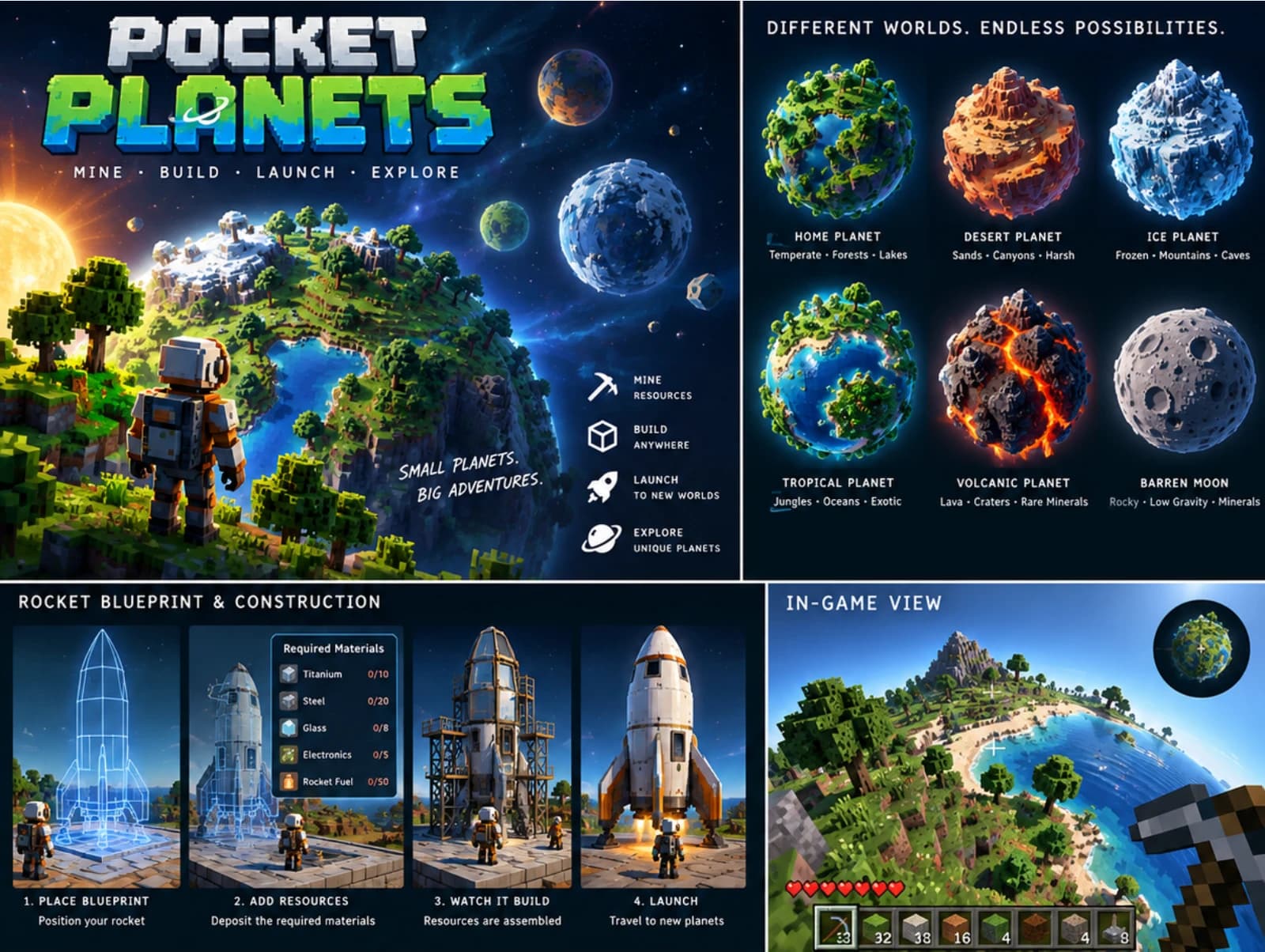
Development build · v0.10.0
Try Pocket Planets on Windows or Android
Explore and build on a 1,000-block-wide planet. Menu → Updates delivers optional future updates without signing in. This creative prototype does not yet include rockets, other planets, crafting or survival.
Downloads are for invited testers. Sign in with your tester account to download.
Explore your worldPocket Planets field guideBlocks, resources, coverings and what’s coming next. Sign in with your tester account to read.Open the field guide →Windows
Windows 10/11 · 64-bit · OpenGL 3.3
Extract the ZIP and launch PocketPlanets.exe. WASD moves, mouse looks, Space jumps and Shift runs. Left/right click mines/places; B opens blocks and coverings. Tab shows the planet; Escape opens the save menu and Updates. Keep the game in a writable folder.
Download for Windows (Pocket Planets ZIP download)ZIP download · Updated 3 November 2026
Android
Android 7+ · ARM64 · OpenGL ES 3 · Landscape
Open the APK to install Pocket Planets Dev. Allow installation from your browser if Android asks. Use the left stick to move and drag the right side to look; aim and tap Mine or Place. Menu opens save, exit and Updates. Android will ask you to confirm update installation.
Download for Android (Pocket Planets Direct APK download)Direct APK download · Updated 3 November 2026
What’s new in this build
- Craft six reusable tools: wooden and stone pickaxes, axes and shovels. Open C or Block → Craft & tools to see recipes and material costs.
- Crafting uses collected oak or birch wood and ordinary or volcanic stone, including covered stone. Crafted tools equip immediately and never wear out.
- Hold Mine with an axe for trees, a pickaxe for rock and ores, or a shovel for soil, sand, clay and snow. Stone tools work faster; every block can still be mined with a tap.
- Tools and equipped selection save separately with each world, alongside your collected blocks and buildings. The pictured hotbar remains available for building.
- Trees remain static: growth, regrowth and falling trees are not included. Optional updates remain in Menu → Updates. Native Windows and physical Android testing remain pending.
Early development build: Windows is unsigned and Android uses the original development signing identity. Native Windows and physical Android installation and performance are unverified. Whole-planet view is demanding, especially on low-powered devices. Saves are local; abrupt shutdown recovery is not guaranteed. Artwork above illustrates the planned game, not this prototype.
What we’re exploring
- Build in smaller, manageable worlds
- Create with simple building materials
- Enjoy easy-to-understand controls
- Explore your own ideas at your own pace
These are planned ideas, not confirmed final features.